

Zip Extractor And Unzip Pro
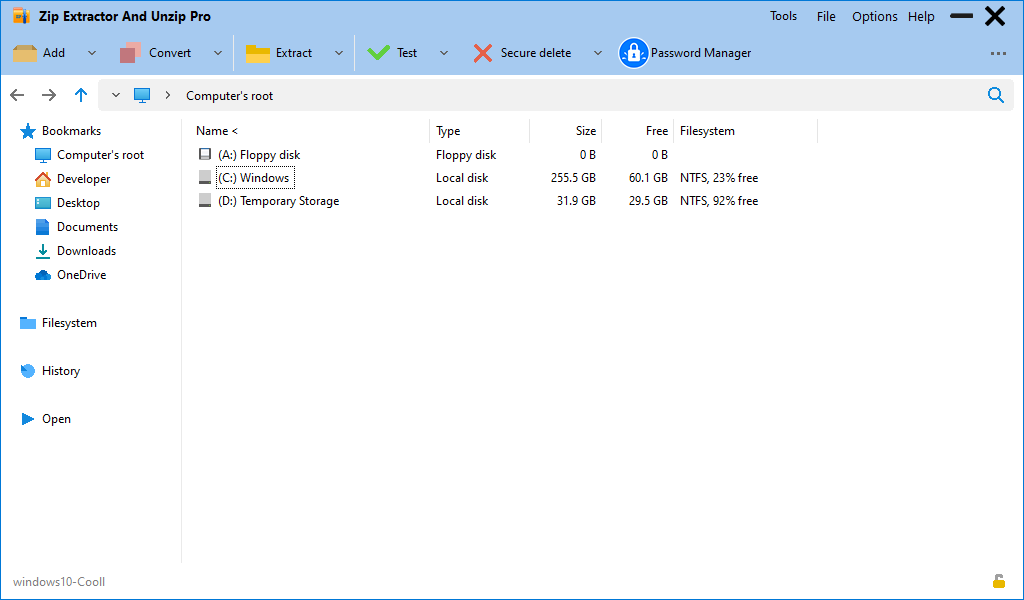
Read our comprehensive review of Zip Extractor And Unzip Pro, a powerful Windows file archiver supporting over 200 formats with robust security.
The Ultimate Solution for Managing Complex Archives on Windows
If you have ever struggled with an unrecognized file format or needed to compress massive datasets quickly, Zip Extractor And Unzip Pro is designed to solve your archive management headaches. Built as a highly versatile file archiver utility, this Windows application streamlines how you compress, secure, and decompress files. Modified from the reliable PeaZip open-source technology, it brings professional-grade archive management directly to your desktop through a clean, intuitive graphical user interface.
Unmatched Format Support and Compression Power
One of the standout attributes of the Zip Extractor And Unzip Pro file archiver is its vast compatibility. Instead of downloading multiple tools for different file types, this single utility acts as a universal key for your compressed data.
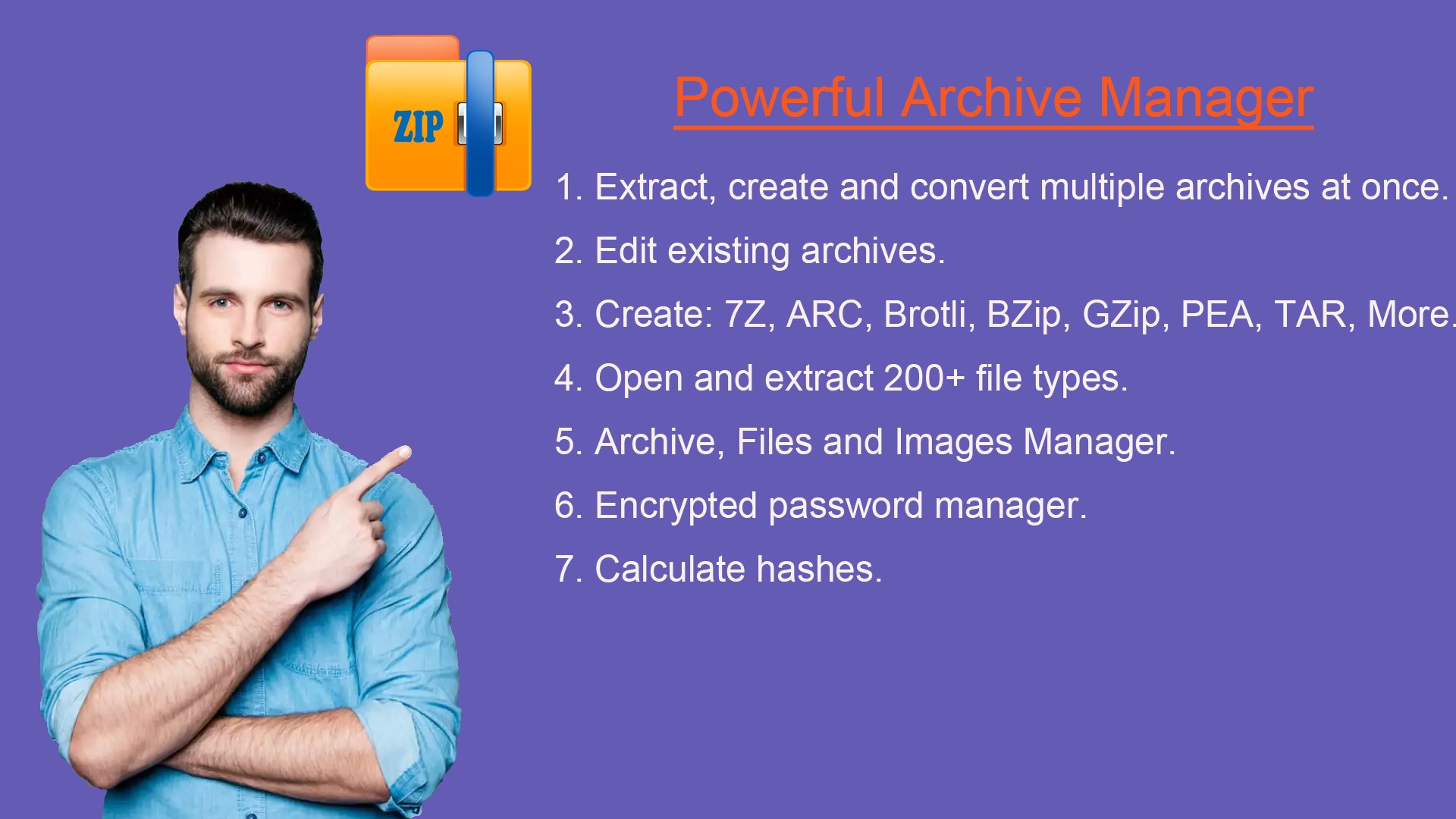
- Create Diverse Archives: Pack files efficiently into 7Z, ARC, Brotli, BZip, GZip, PEA, TAR, WIM, XZ, Zstandard, and traditional ZIP formats.
- Decompress Over 200 Formats: Seamlessly open and extract complex extensions including RAR, CAB, ISO, DEB, ZIPX, ACE, and many more.
- Smart Conversion: Easily convert existing archives from one format to another, such as converting RAR files directly to ZIP format.
Advanced Security Features for Sensitive Data
Beyond simple extraction, Zip Extractor And Unzip Pro prioritizes data integrity and privacy. It serves as a secure vault for your digital assets by offering robust security protocols. Users can create password-protected archives utilizing strong encryption standards alongside two-factor authentication. Additionally, the application features an integrated, encrypted password manager to help you track your archive credentials safely, alongside secure deletion tools to ensure deleted files cannot be recovered by unauthorized third parties.
Who Is This File Archiver For?
Whether you are a system administrator executing scripts via exported command-line tasks, or an everyday user needing to split large files to bypass email attachment limits, this utility adapts to your workflow. The familiar, explorer-like GUI ensures you do not need technical expertise to navigate its advanced functions, such as finding duplicate files or calculating cryptographic hashes to verify file integrity.
Get Started with Zip Extractor And Unzip Pro
If you are looking to replace basic extraction utilities with a highly secure, all-in-one file manager, this software is an exceptional choice. To experience its full range of compression and encryption features, check out the official listing on the Microsoft Store today.