

Rar Zip Extractor Pro
Discover how Rar Zip Extractor Pro simplifies file compression on Windows. Read our full review of this versatile tool for ZIP, RAR, and ISO formats.
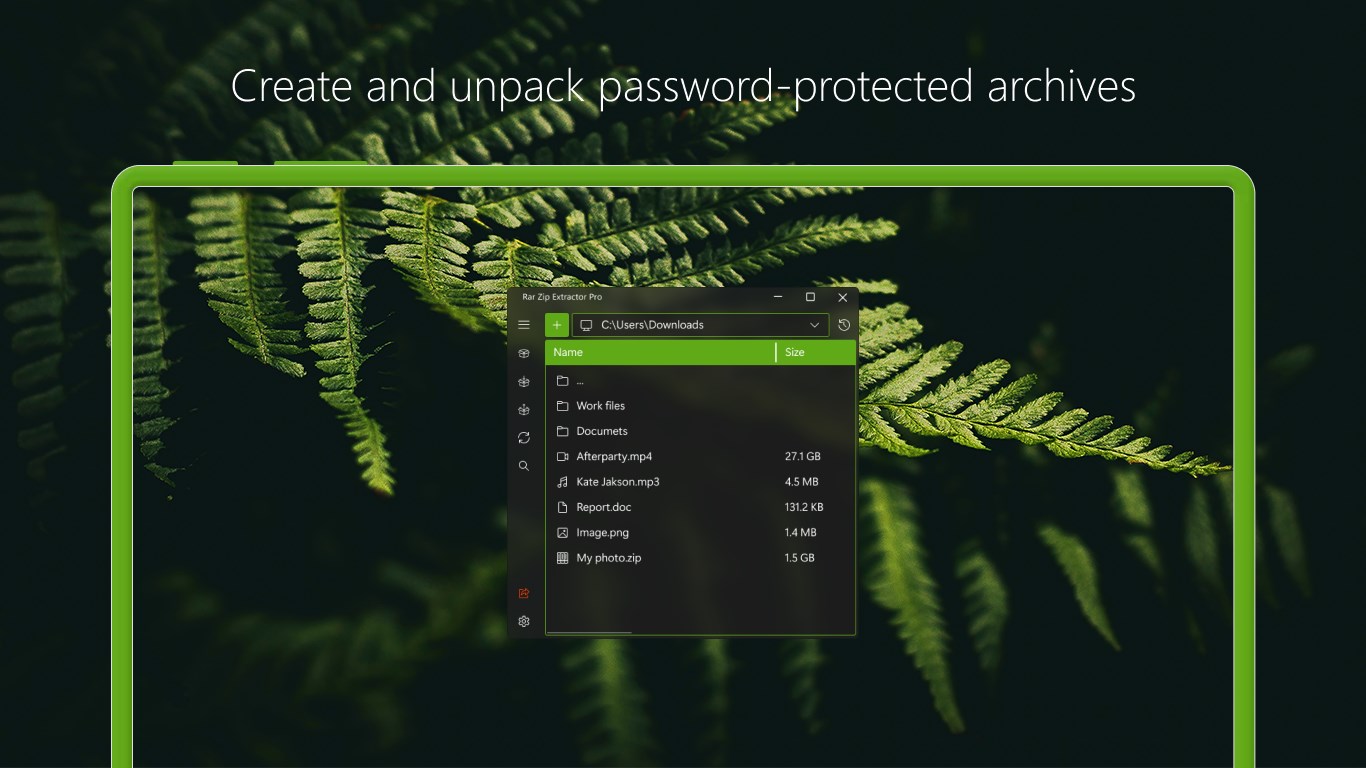
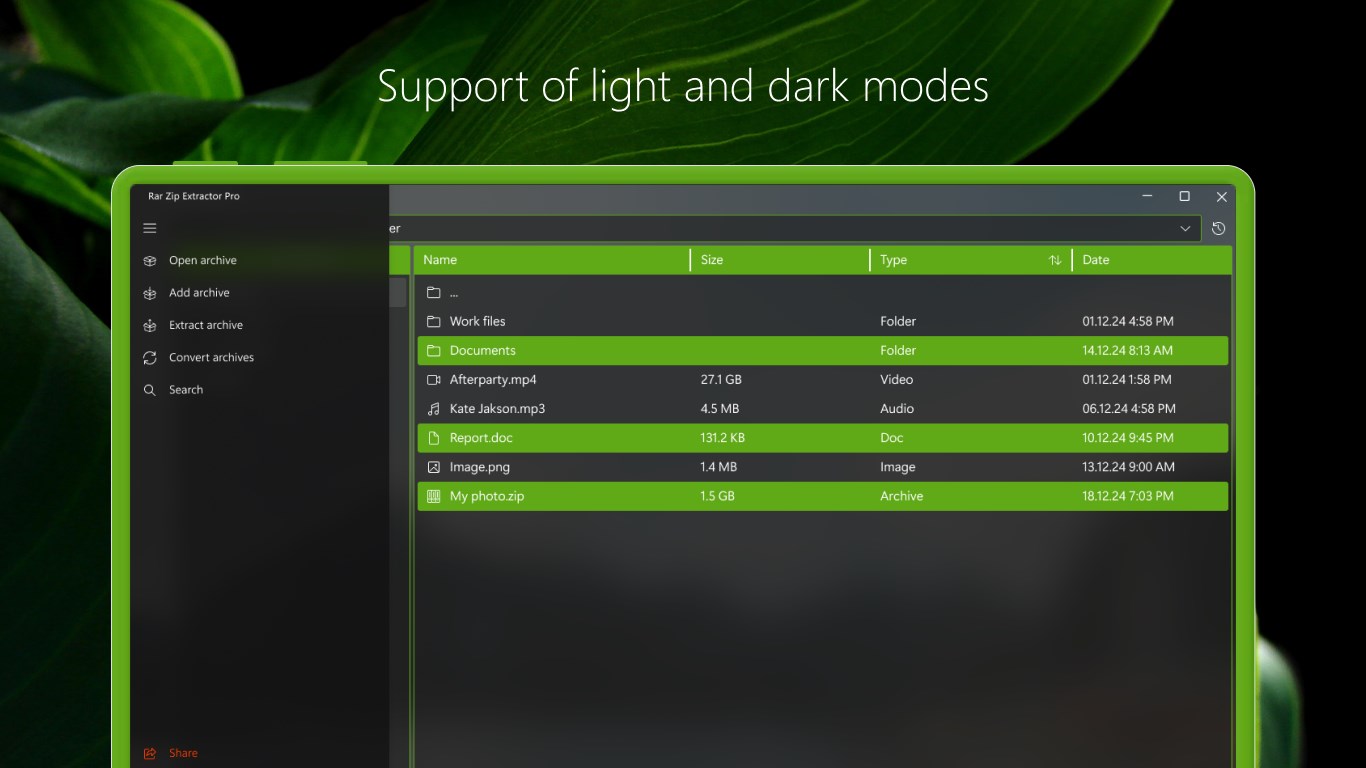
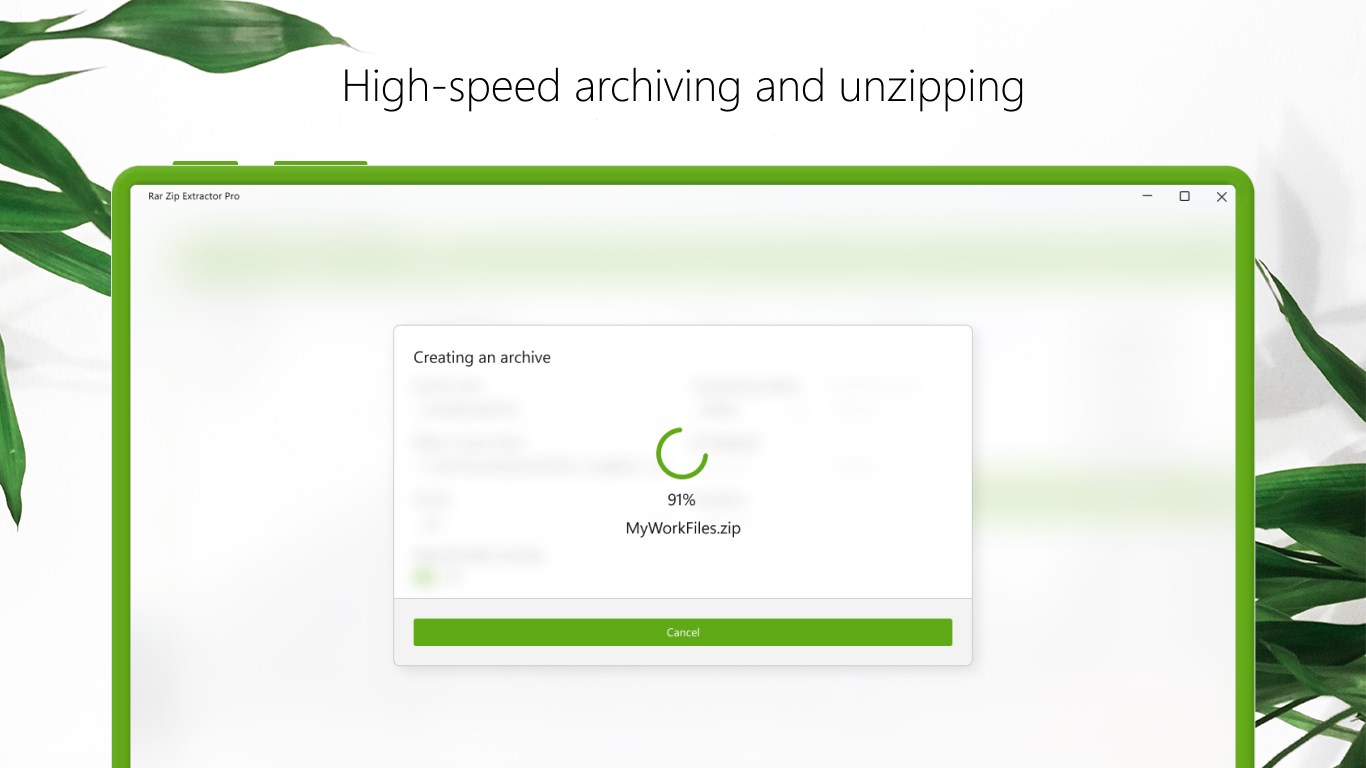
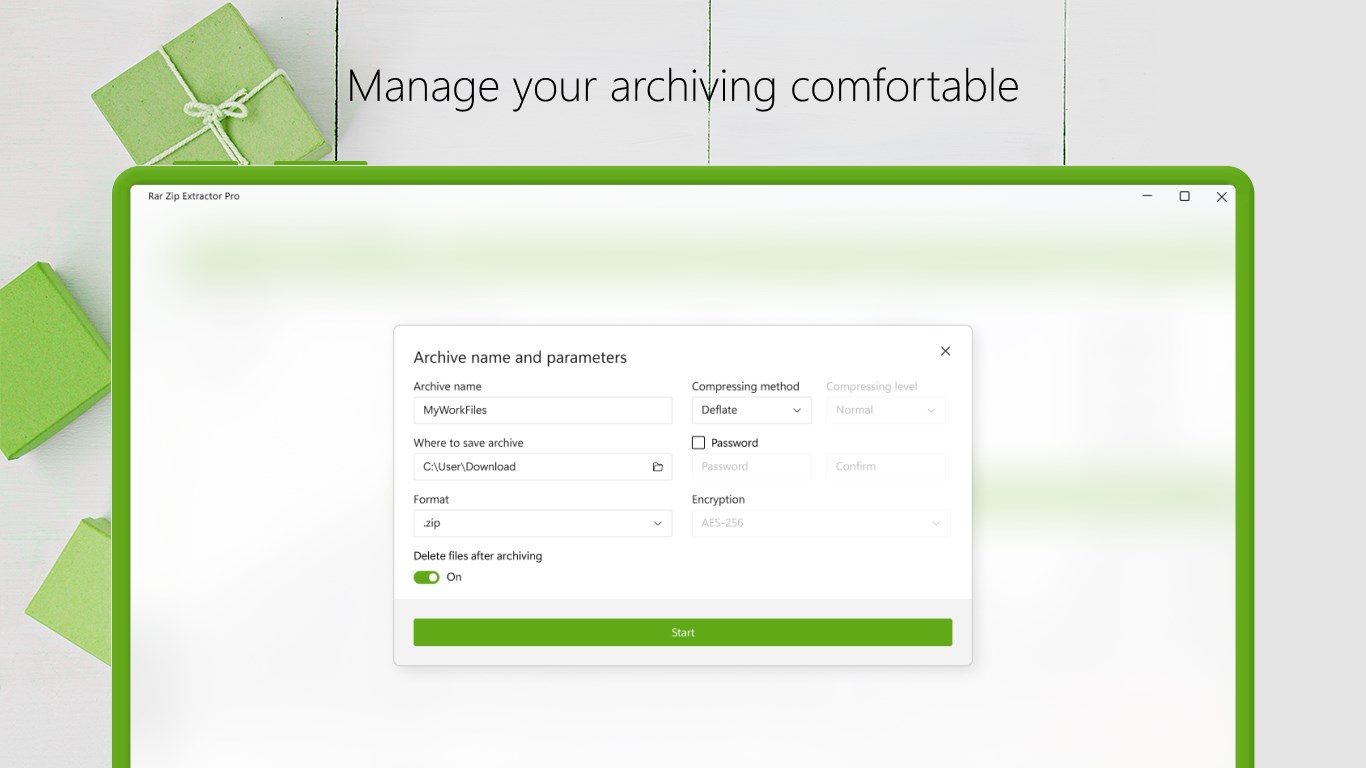
While many file archivers require complex navigation or heavy system resources, Rar Zip Extractor Pro stands out by offering a highly streamlined, modern Fluent Design interface specifically optimized for Windows users. Built on the efficient .NET Core framework, this utility prioritizes rapid decompression and compression speeds without sacrificing system stability. It provides a clean, native-feeling environment that makes managing heavy archives straightforward for both casual users and professionals alike.
The Multi-Format Capability of Rar Zip Extractor Pro
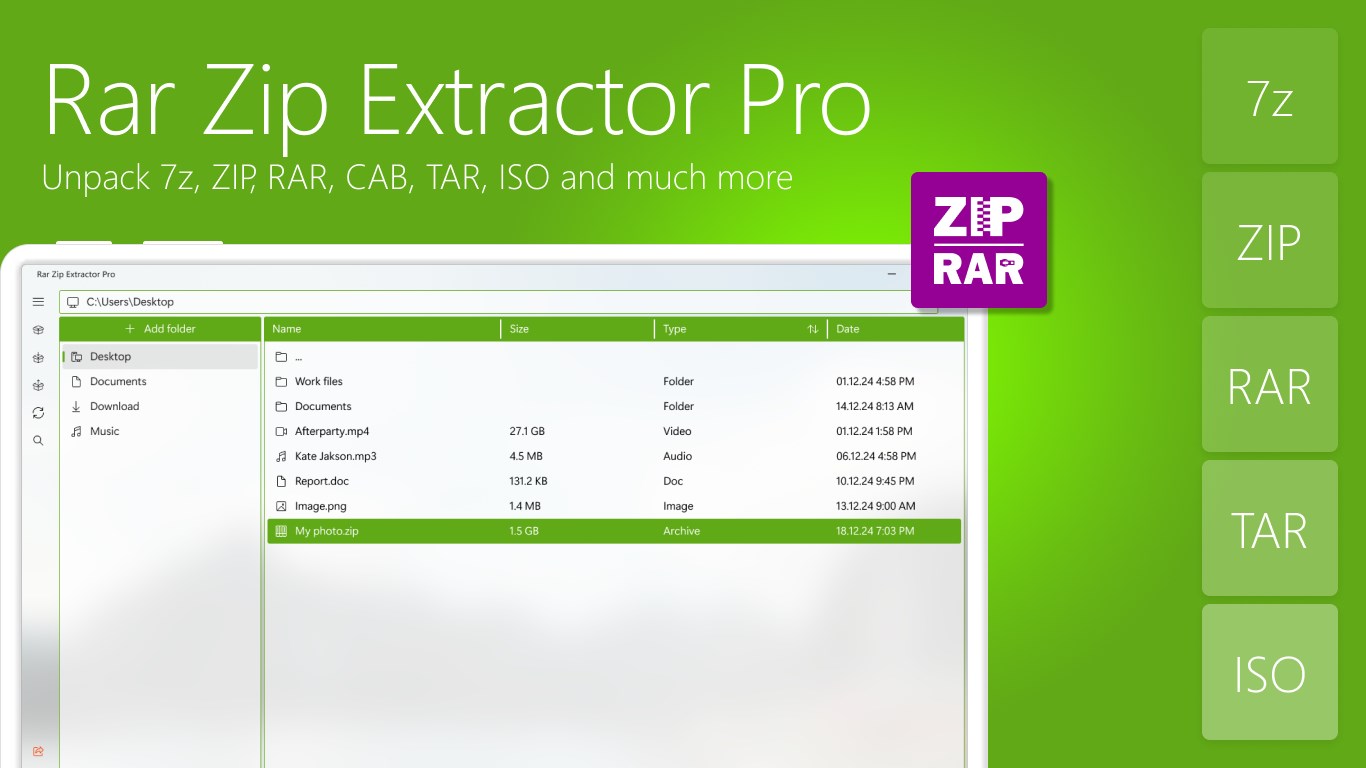
One of the primary strengths of this application is its extensive format support. Instead of installing separate tools for different archive types, users can utilize the Rar Zip Extractor Pro file compression engine to handle practically any package format they encounter. Supported formats include:
- Popular Archives: Full creation and extraction support for ZIP, 7z, and RAR formats.
- System Images: Easy unpacking of ISO and CAB files.
- Unix Formats: Seamless extraction of TAR and GZ archives.
Key Features and Usability
Beyond basic extraction, the software incorporates several advanced features designed to improve daily file management workflows:
Built-in File Explorer
Users can browse their local directories directly within the application. The integrated search functionality allows you to locate specific archives, folders, or nested files without opening external windows.
Multivolume and Encrypted Archives
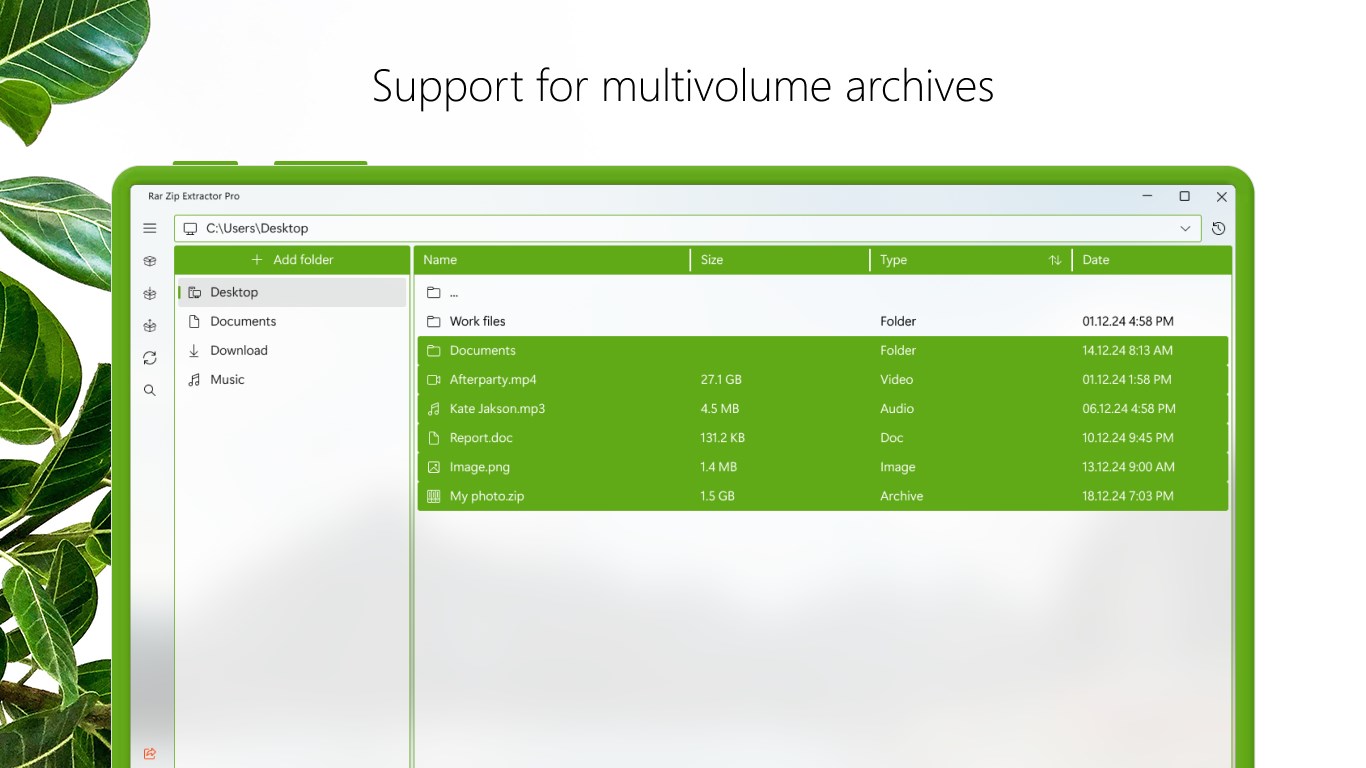
Whether you are dealing with large files split into multiple volumes or sensitive data requiring password protection, the tool handles complex extraction tasks smoothly. You can easily configure security settings or unpack selected files from a larger set.
Convenient Conversion and Automation
The application features an automatic unpacking option to speed up repetitive tasks. Additionally, it offers a quick conversion tool to change archive formats on the fly, saving valuable time during data transfers.
Who is This App For?
Rar Zip Extractor Pro is ideal for Windows users who need a reliable, visually modern tool to handle diverse file types. Whether you frequently download compressed media, manage multi-part professional assets, or secure archives with passwords, this utility offers a robust alternative to aging desktop software.
If you are looking to upgrade your archive management experience with a clean, Fluent Design interface, you can explore the application further on the official Microsoft Store page.