

Unzip Expert
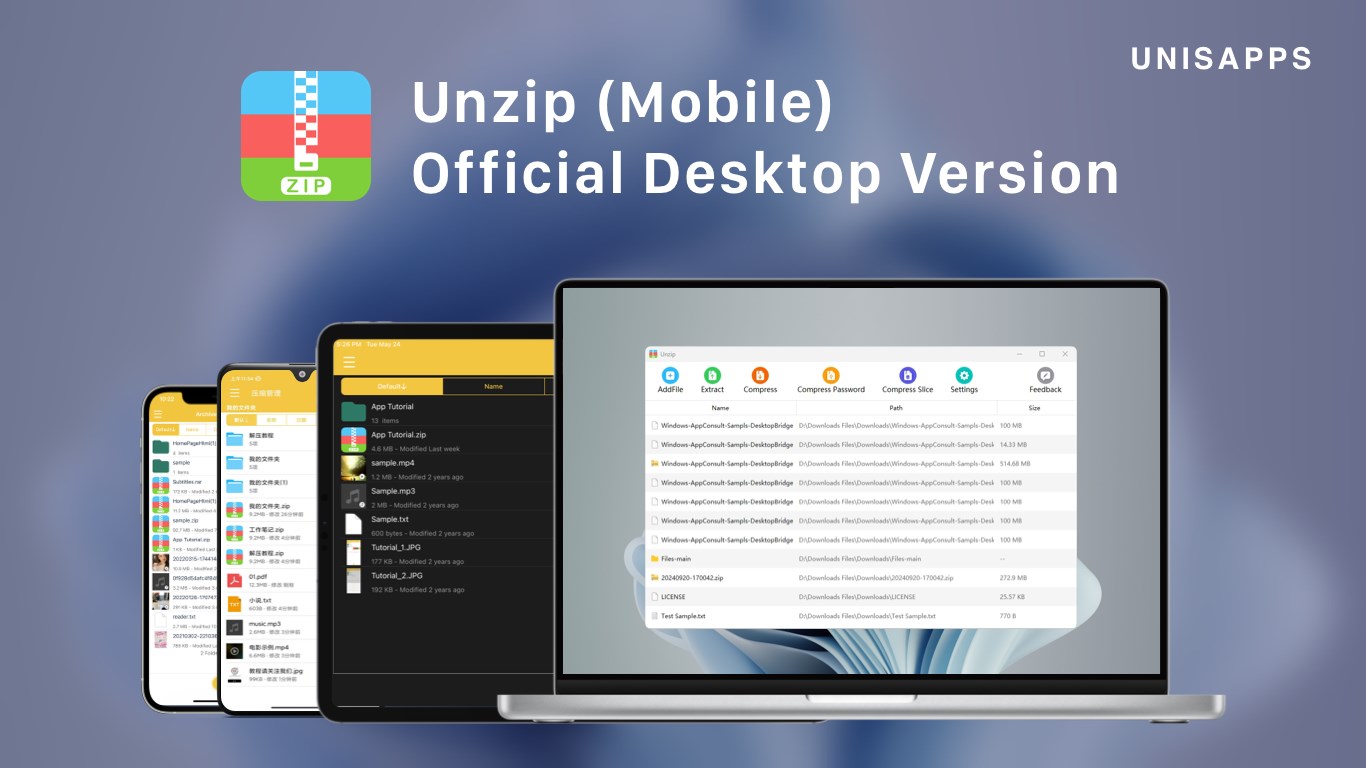
Read our comprehensive review of Unzip Expert, a powerful file compression tool for Windows. Discover its features, supported formats, and usability.
Eliminate Archive Headaches on Windows
Managing compressed archives shouldn't be a chore. Unzip Expert file compression software delivers a streamlined, high-speed solution for Windows users who regularly handle packed files. Whether you are dealing with standard archives or complex multi-part volumes, this lightweight utility aims to simplify your workflow without unnecessary overhead.
Unmatched Format Compatibility
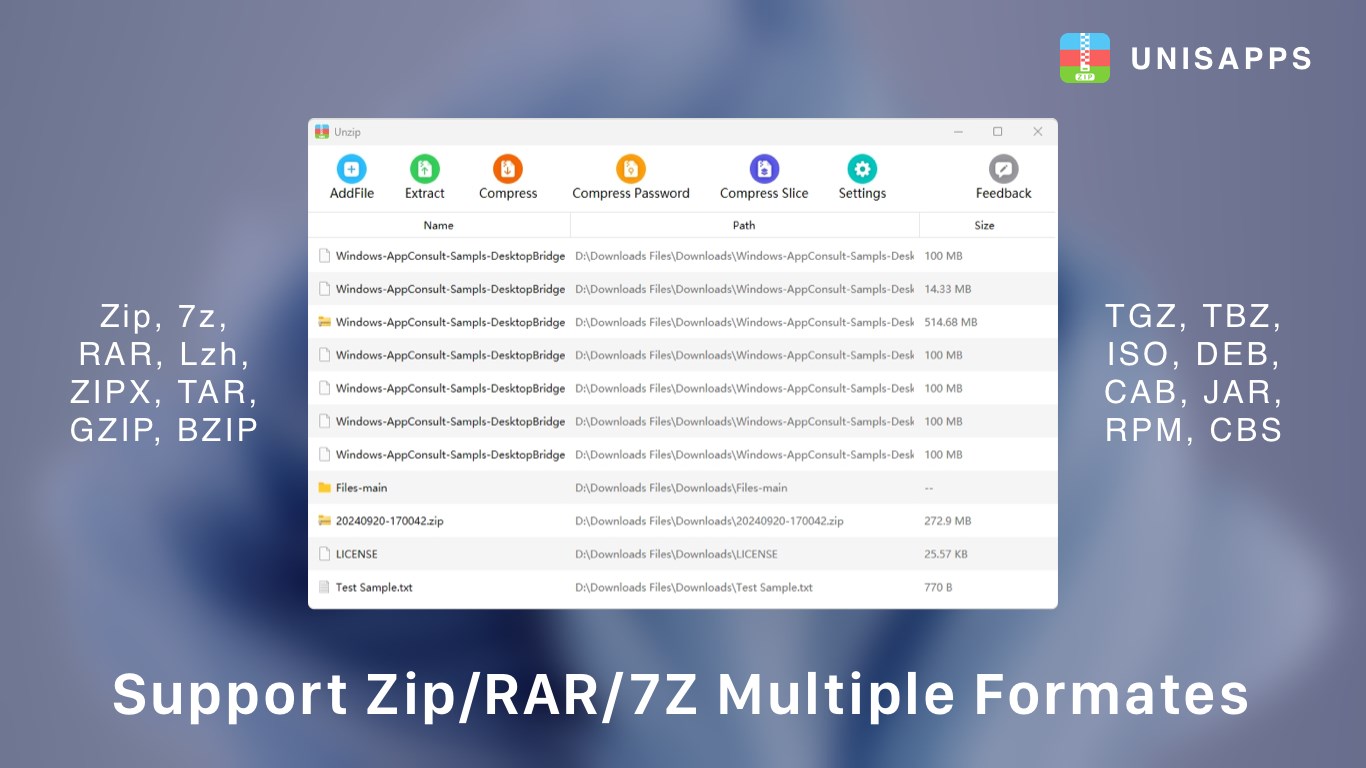
One of the standout attributes of this utility is its extensive format support. Unlike basic built-in operating system tools, it handles an impressive array of compression extensions. Here is what you can expect to manage effortlessly:
- Decompression Support: Easily extract Zip, 7z, RAR, Dzip, Lzh, ZIPX, TAR, GZIP, BZIP, TGZ, TBZ, ISO, DEB, CAB, JAR, RPM, CBS, and more.
- Multi-Part Archives: Seamlessly extract and compress multi-volume split files.
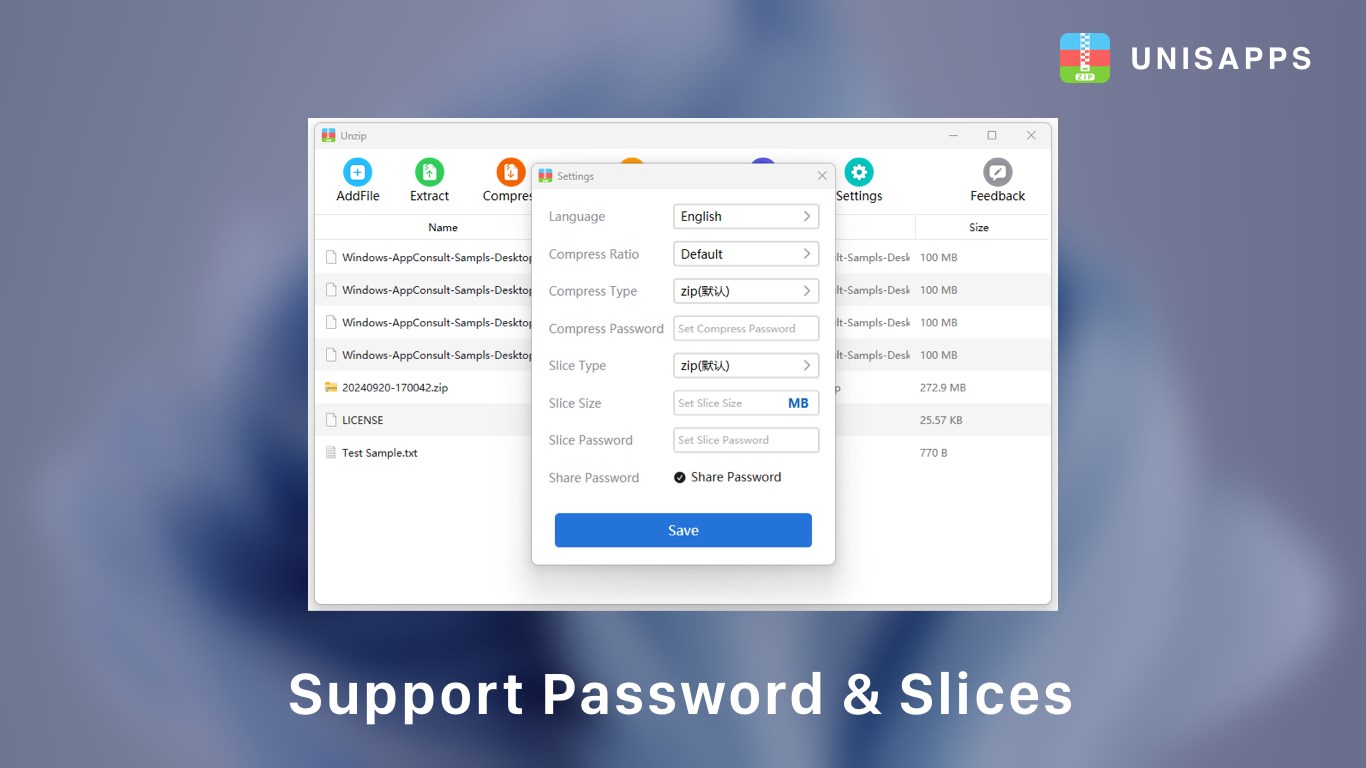
- Secure Encryption: Create and open password-protected ZIP and 7Z archives to keep sensitive data secure.
Who Is Unzip Expert For?
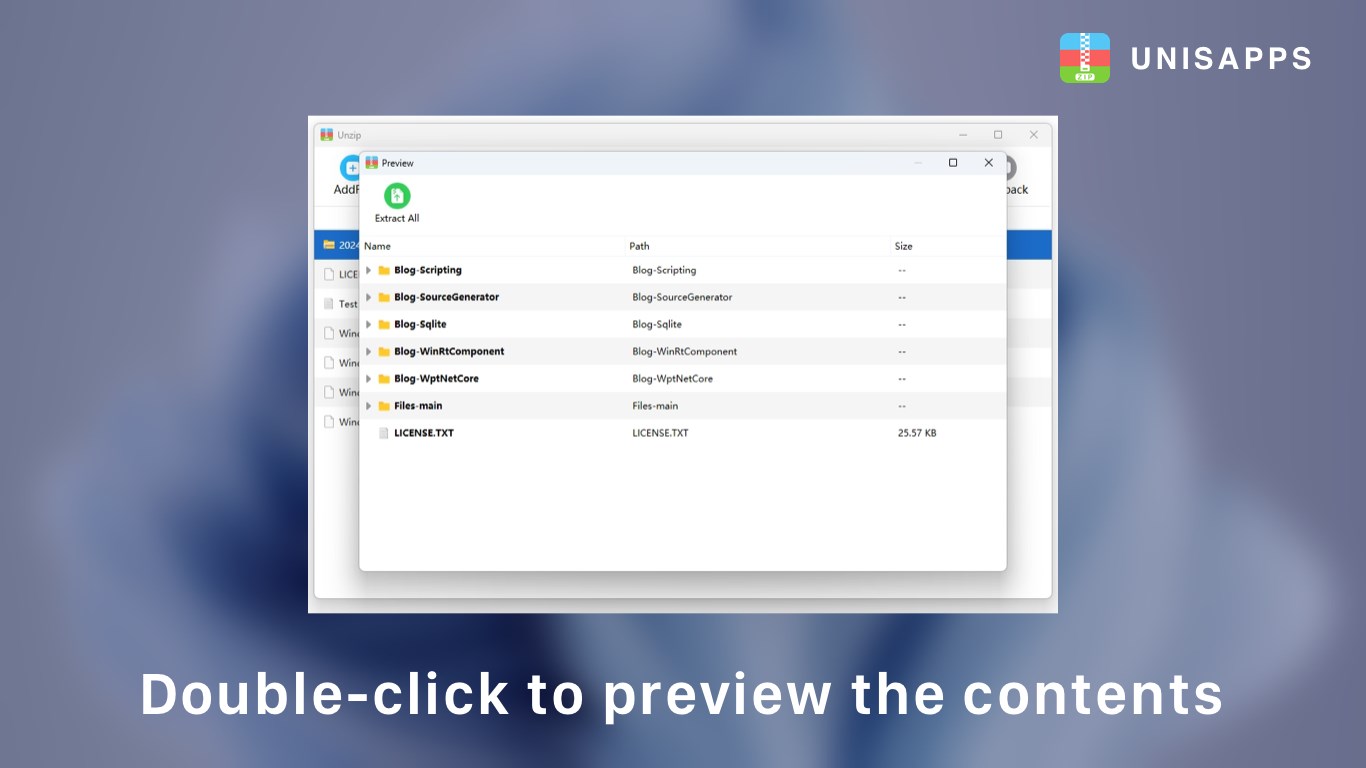
This tool is ideal for professionals, students, and power users who handle diverse file formats daily. If you frequently download complex packages, ISO images, or multi-part archives, the Unzip Expert file compression tool provides the versatility you need without requiring multiple separate applications. Additionally, built-in file preview capabilities allow you to inspect contents before committing to a full extraction, saving valuable time and disk space.
A Commitment to User Privacy
In an era where data harvesting is common, developer UNISAPPS takes a refreshing stance. The application operates with a strict privacy policy, ensuring that no personal file data is collected, processed, or transmitted. Your local files remain entirely private and secure on your Windows machine.
Get Started with Unzip Expert
If you are looking for a reliable, fast, and secure archive manager, this utility is a strong contender. Ready to streamline your file management? Head over to the official Microsoft Store to explore the application and install Unzip Expert file compression on your Windows device today.