
PS Remote Play
Read our comprehensive review of PS Remote Play for iOS. Discover how to stream and play your PS5 and PS4 games directly on your mobile device.
What is the PS Remote Play Stream App?
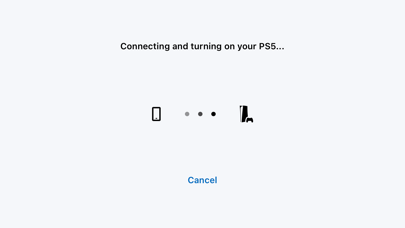
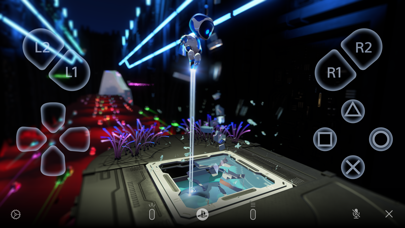
The PS Remote Play stream app is an entertainment utility developed by PlayStation Mobile Inc. that allows console owners to access their PlayStation 5 or PlayStation 4 systems remotely. Instead of being tethered to a television set, this software projects your console's output directly onto your iOS device, turning your iPhone or iPad into a portable gaming screen wherever you have a stable network connection.
Key Features: What You Can Actually Do
This utility is designed around utility and flexibility, offering several functionalities to keep you connected to your console:
- On-Screen Controls: View your PS5 or PS4 screen on your mobile device and utilize a fully functional virtual controller overlay.
- Controller Compatibility: Seamlessly pair a DUALSHOCK 4 or DualSense wireless controller. Users on iOS 16.4 or later can also connect a DualSense Edge wireless controller or use a Backbone One PlayStation Edition.
- Text Input & Voice Chat: Use your mobile keyboard to type messages on your console quickly, and join active party chats using your device's built-in microphone.
System Requirements and Setup
To establish a connection via the PS Remote Play stream app, your setup must meet specific criteria. You will need an iOS device running iOS 15 or later, a PlayStation console updated with the latest system software, an active account for PlayStation Network, and a high-speed internet connection. While mobile data is supported, it is highly resource-intensive and may consume significant bandwidth compared to standard video streaming platforms.
Is It Right for You?
If you want to free up the household TV or enjoy your library in another room, this app offers a robust solution. Please note that some games may not support remote functionality, and a local network permission prompt must be accepted on your Apple device during configuration to search for your console.
To experience this portable setup yourself, you can find the application listed on the official Apple App Store.