
Parabolic
Discover Parabolic, the ultimate Linux video downloader. Read our comprehensive review of this powerful yt-dlp frontend and its media saving capabilities.
The Ultimate Solution for Offline Linux Media
Picture this: you are preparing for a long flight or a commute through areas with spotty internet coverage, and you want to watch your favorite educational lectures or listen to a curated playlist offline. Manually managing terminal commands to grab these files can be a chore. This is where the Parabolic Linux video downloader steps in, offering a polished, modern graphical interface that simplifies the entire process of saving web media directly to your local storage.
What is Parabolic?
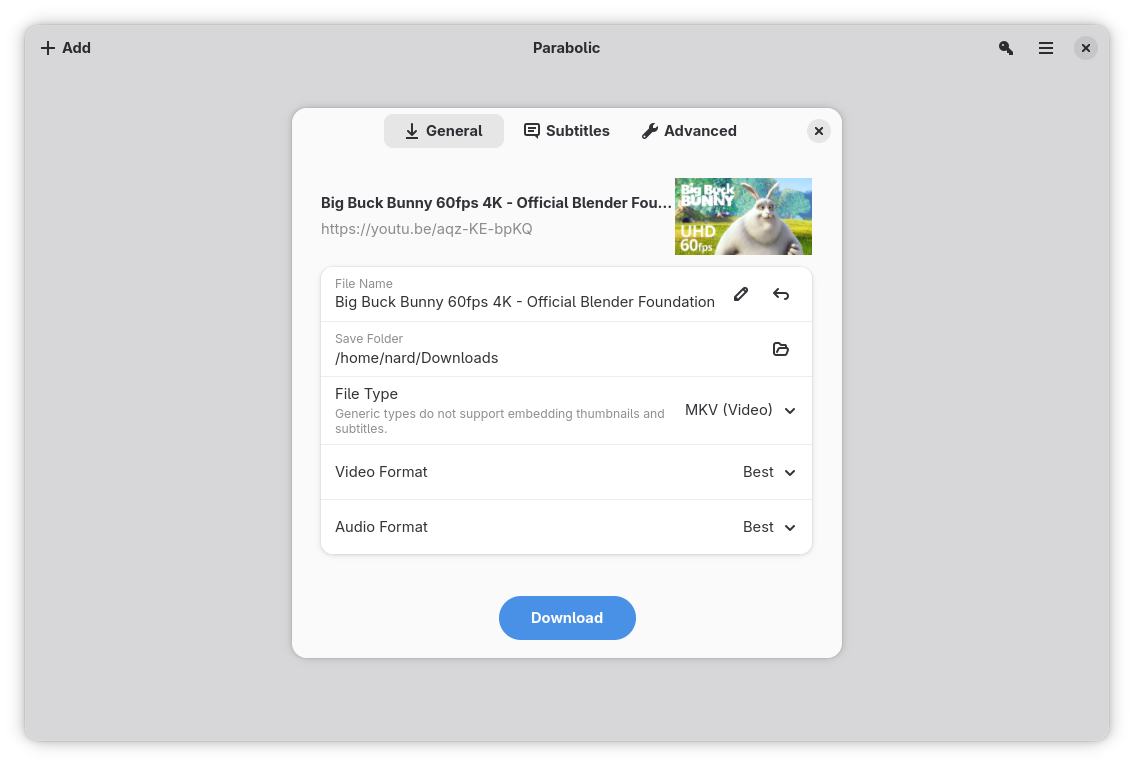
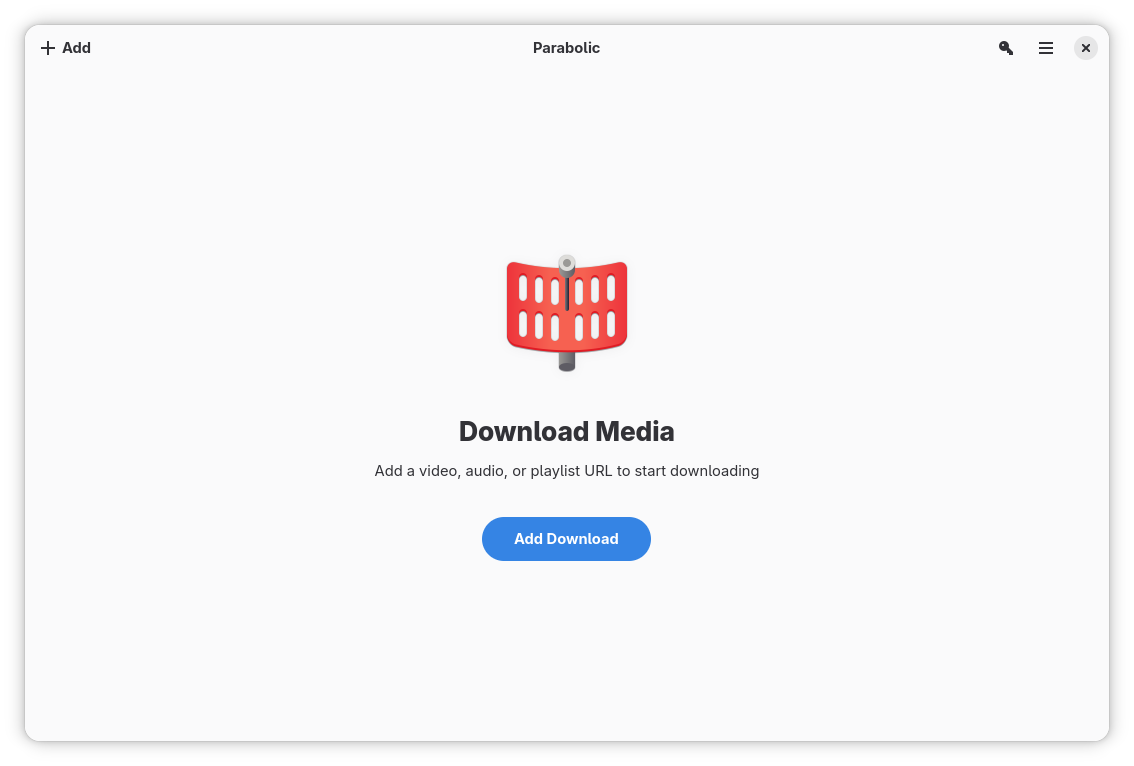
Developed by Nickvision, Parabolic is a sophisticated, open-source frontend for the highly capable yt-dlp command-line engine. It bridges the gap between raw terminal power and user-friendly design on the Linux platform. Instead of wrestling with complex syntax, users can enjoy a clean, intuitive desktop application tailored for seamless media retrieval.
Key Features and Capabilities
- Versatile Format Support: Whether you need high-definition video or just the audio track, the app supports multiple output formats, including MP4, WebM, MP3, Opus, FLAC, and WAV.
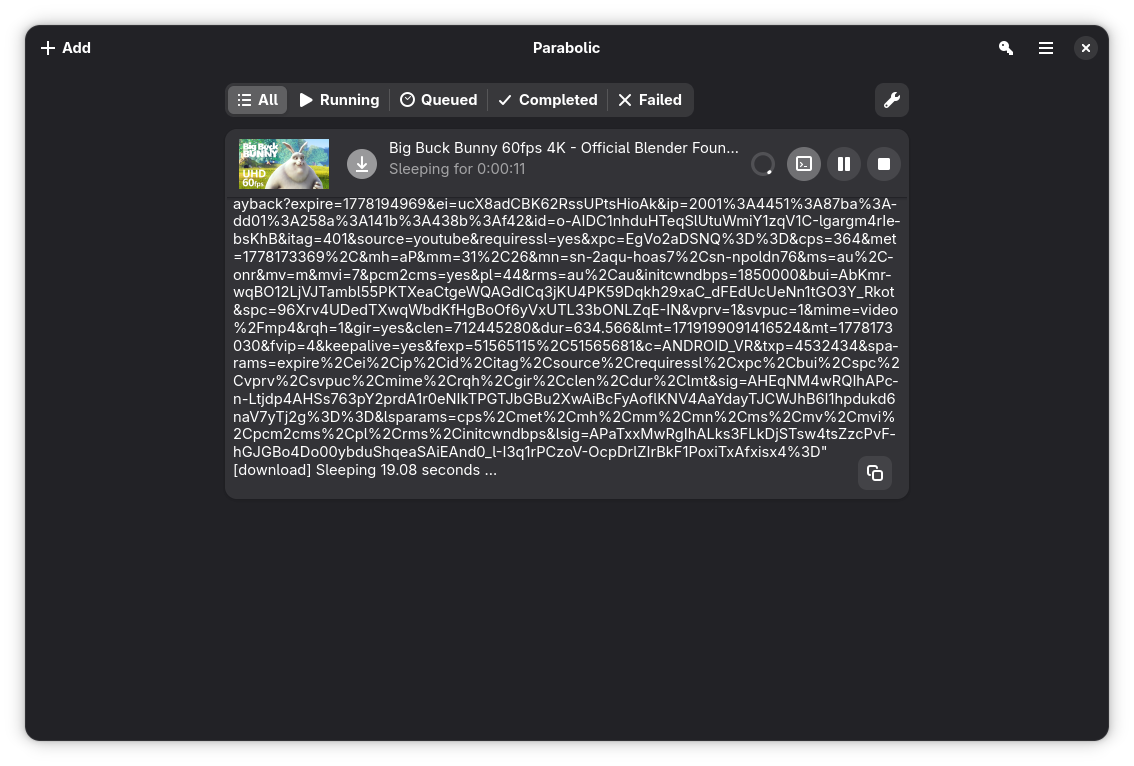
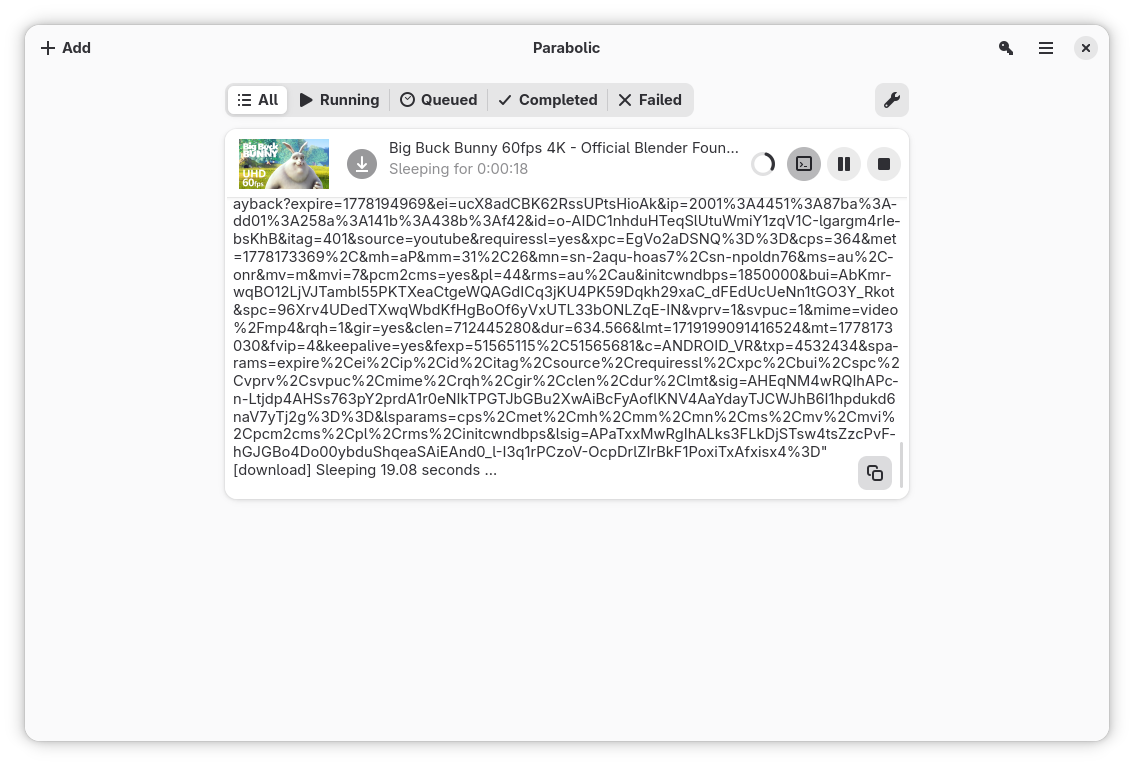
- Batch Processing: You do not have to wait for one file to finish before starting another. The application allows you to queue and run multiple downloads simultaneously, saving valuable time.
- Subtitles and Metadata: Keep your media library organized and accessible. The tool can automatically download video subtitles and embed rich metadata directly into your saved files.
- User-Friendly Interface: Built specifically for Linux desktop environments, its layout is clean, modern, and highly responsive.
Who is this App For?
The Parabolic Linux video downloader is perfect for Linux enthusiasts, content archivers, and casual users who prefer a graphical interface over command-line utilities. If you regularly need to extract high-quality audio from video files or compile offline video libraries for educational or entertainment purposes, this application streamlines your workflow significantly without requiring technical expertise.
Getting Started
If you want to experience a hassle-free way to manage your offline media queue, we highly recommend trying this utility. You can learn more and find installation options by visiting the official Flathub store page for org.nickvision.tubeconverter.