

Card Game Simulator
Read our comprehensive Card Game Simulator review. Discover how this Mac virtual tabletop lets you design, share, and play custom card games.
An Open-Ended Virtual Tabletop for Custom Card Gaming
Unlike rigid digital card games that force you to follow strict, pre-programmed rules, the Card Game Simulator tabletop experience offers an open-ended sandbox. Developed by Finol Digital LLC for Mac, this utility acts as a physical table brought to life in a digital space. It does not enforce rules; instead, it gives you and your friends the freedom to manipulate cards, decks, and boards exactly as you would in real life. Whether you want to play a classic game or invent an entirely new tabletop system, this platform provides the tools to make it happen.
Design and Import Your Own Custom Games
The standout feature of Card Game Simulator tabletop is its robust creative suite. By enabling Developer Mode, players can import custom images to design unique boards, tables, and card faces. The platform supports advanced customization through its official Custom Games Documentation, allowing creators to define completely unique game setups. Once your creation is ready, you can share it with the community using a CGS AutoUpdate URL, making it incredibly easy for others to download and enjoy your custom-built games.
Streamlined Deck Management and Card Discovery
Managing large collections of custom assets is made simple through two built-in tools:
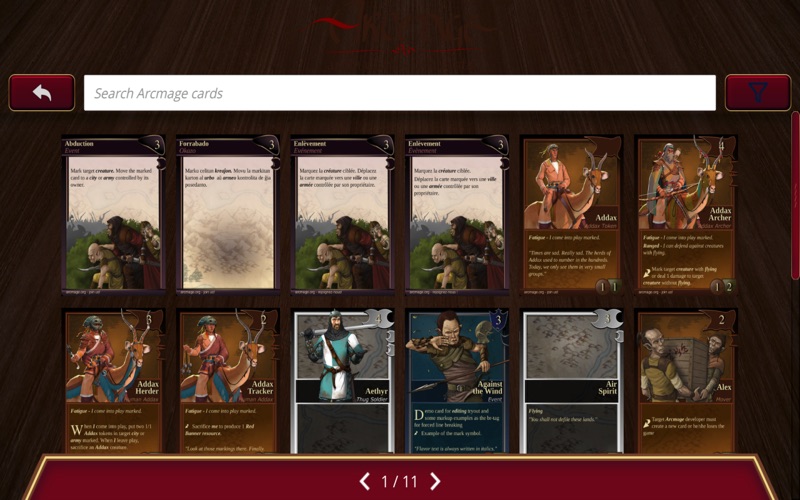
- Cards Explorer: A clean, searchable database where you can view all available cards in a game, apply filters to find specific assets, and add custom cards when Developer Mode is active.
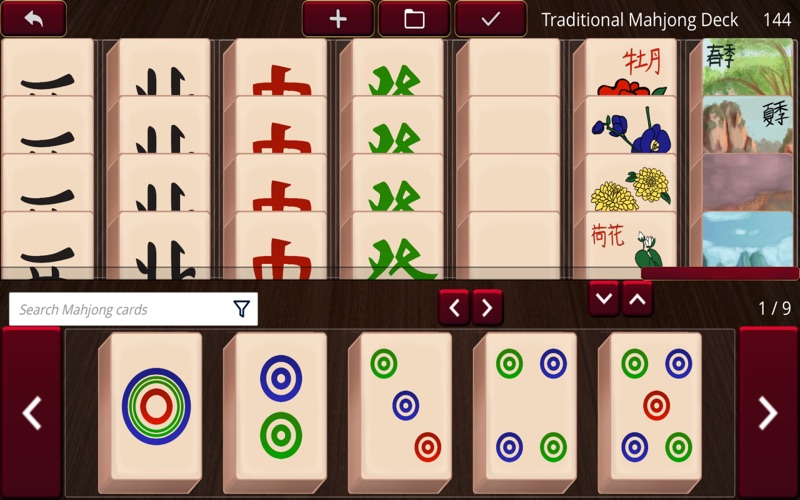
- Deck Editor: A tool that lets you build decks from scratch by typing card names or using a visual interface. You can save, edit, and load these decks at any time to prepare for your next session.
Multiplayer and Single-Player Versatility
Whether you want to test a design solo or host a game night, the simulator accommodates various playstyles. The single-player mode allows for quick solo testing or local "hot-seat" play with friends on a shared computer using multiple on-screen "drawers" to keep hands hidden. For online sessions, you can host multiplayer rooms (with optional password protection) over LAN or the internet, supporting up to 10 players at a single virtual table. Everyone can pick up, rotate, flip, and shuffle cards in real time.
Out-of-the-Box Classic Games
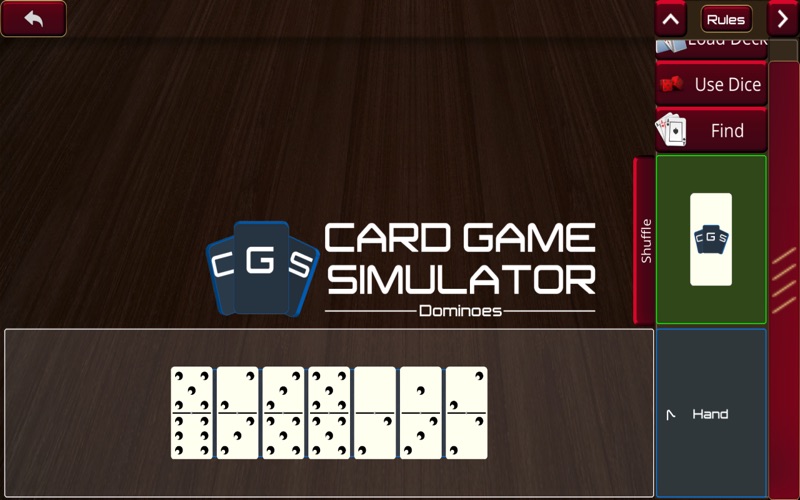
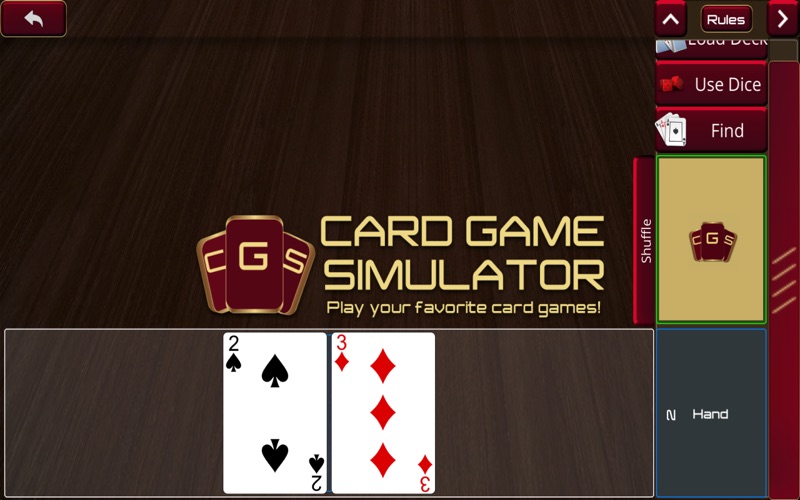
If you are not ready to import custom assets immediately, the simulator comes pre-loaded with several classic tabletop activities. You can instantly start playing with a standard French-suited 52-card deck, set up a game of Dominoes, or gather friends for Mahjong. It serves as an excellent starting point to test the physics and interface of the virtual tabletop before diving into custom game creation.
Start Creating Your Virtual Deck
If you are looking for a highly customizable, physics-based sandbox to bring your physical card games into the digital space on Mac, this simulator offers unparalleled freedom. To explore this virtual tabletop further, customize your own decks, or play with friends, head over to the official Mac App Store to check out the application.